FREE GUIDE
How to make a portfolio website
By the Acyera team · Updated 4 October 2026
The short answer: pick six to twelve pieces of your best and most relevant work, give each one a picture and two or three sentences on the problem, what you did and the result, add a short introduction about who you are and what you want to be hired for, and make it easy to contact you. One well-made page is enough, and you can publish it free.
A portfolio website shows people who might hire you what you can do. It works for designers, photographers, writers, developers, architects, artists, tailors, makeup artists, carpenters, students looking for an internship, and anyone whose work can be seen. It is often the link people ask for after a CV.
Step 1: decide who it is for
Write one sentence about who you want to look at your portfolio and what you want them to do. "Restaurant owners in Lagos who need menu photography, and I want them to message me" is a good answer. It tells you which work to show and which to leave out.
Step 2: choose your best work, then cut it down
- Gather everything you are proud of, then keep six to twelve pieces. Fewer strong pieces beat many average ones.
- Put your best piece first and your second best last. People remember both.
- Prefer recent work and work that matches the jobs you want next.
- If you are a student or just starting, use class projects, personal projects or work you did for free for a friend's business. Say so honestly.
- Get permission before showing work done for a client, and remove anything confidential.
Step 3: tell a short story for each project
A picture alone shows taste. A picture with a short story shows how you think. For each piece, write two or three sentences:
- The brief: who it was for and what they needed.
- What you did: your part, the tools you used.
- The result: what changed. A number if you have one ("bookings doubled in a month"), a client's comment if you do not.
Step 4: build the page
A portfolio page has five parts, top to bottom:
- A headline with your name and what you do: "Grace Akinyi, brand designer for small food businesses".
- Your work: a grid of images, each with its short story.
- About you: a photo of you, a few sentences on your background, and where you are based.
- Proof: client names, a testimonial or two, qualifications.
- Contact: email, WhatsApp, and links to LinkedIn, Behance, Instagram or GitHub.
The quickest way to get the layout right is to start from a portfolio template and replace everything with your own work. Acyera's portfolio template opens in the editor with no account needed. You can also describe yourself to the AI builder and it drafts the page for you to edit.
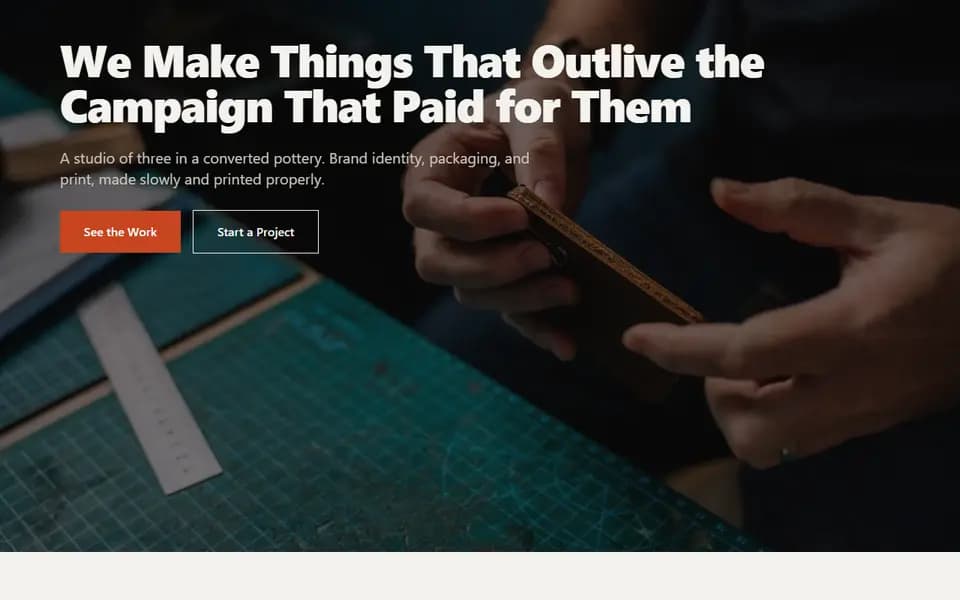
Show your work with image blocks placed in columns, two or three across on a laptop, each with a short text block under it. On paid plans the image grid block adds a gallery that opens each picture full screen. Keep photos sharp and cropped to what matters. Acyera resizes uploaded images automatically so the page stays fast on mobile data.
Step 5: publish it and share it
Publish your portfolio on a free address like yourname.acyera.com. Then put the link everywhere someone might look for you: your CV, your LinkedIn headline, your email signature, your Instagram bio and your WhatsApp profile. When you start getting paid work, a domain of your own, such as yourname.com, looks more professional. On Acyera you can connect one on any paid plan, from $4.99 a month.
To be found when people search your name or your service, turn on "Show my site on search engines" in your site settings when the page is ready. How to get your business on Google covers the rest.
Mistakes that cost portfolios interviews
- Too many pieces, so the best work is buried.
- Pictures with no explanation of what you actually did.
- No clear contact button, or only a contact form with no email or phone.
- Old work that no longer shows your level.
- Slow pages from huge uncropped images.
Questions people ask
FREE TO START
Ready to build yours?
Build on Acyera with no account, then save your page to a free account when you are happy with it. The free plan gives you one page on an address like yourname.acyera.com.